
👋 Hey there, I’m Aakash. In this newsletter, I cover AI, AI PM, and getting a job. This is your weekly AI update. For more: Podcast | Cohort
Annual subscribers get a free year of 9 premium products: Dovetail, Arize, Linear, Descript, Reforge Build, DeepSky, Relay.app, Magic Patterns, and Mobbin (worth $28,336).
Welcome back to the AI Update.
Claude Code hit $1B ARR six months after launch. I reckon $10B is around the corner.
Over the last few weeks, Anthropic pushed a wave of updates that most people missed because there was no single press release:
The Chrome extension works on all paid plans now
You can delegate coding tasks from Slack
There’s mobile access
That’s today’s deep dive: how to actually use Claude Code with all its new features.
Plus, in today’s top news, I break down the weird Nvidia-Groq deal that everyone is misunderstanding.
Finally, I end with a recap of my sit down with Aishwarya Ashok.

Product Faculty: In-Person AI PM Certificate
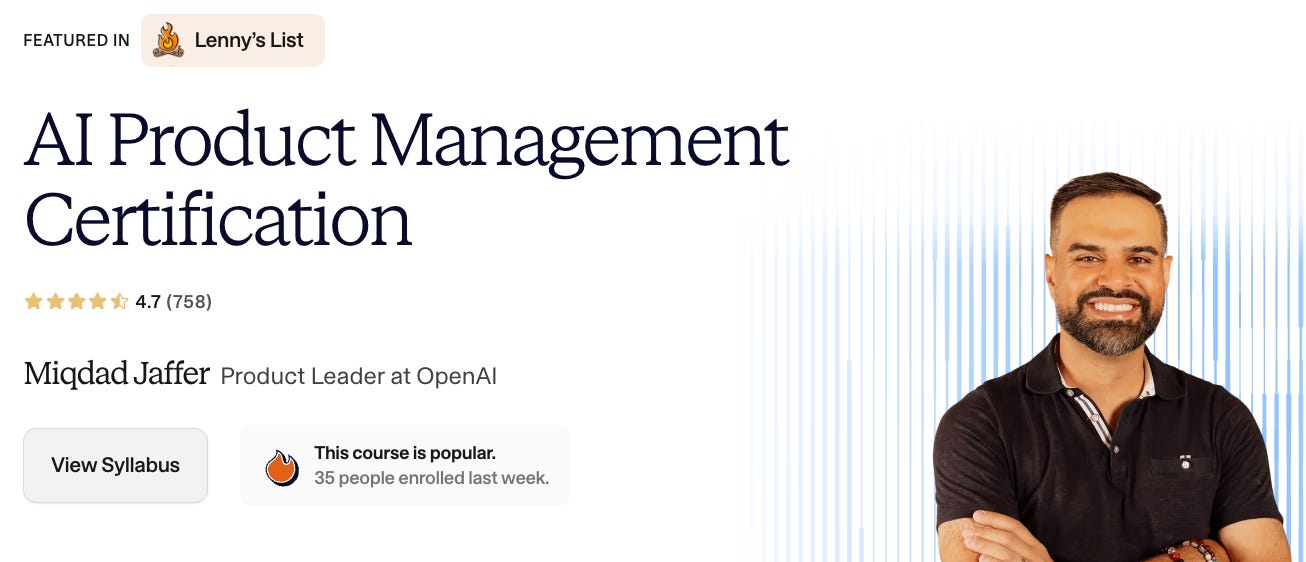
In 2024, when AI PM was becoming a thing, I dropped into this course by Miqdad Jaffer. Since then, the course has transformed and iterated to the #1 AI PM Certificate, with over 758 reviews.
There’s nowhere else to get its combination of in-person Build Labs (with Pawel Huryn) and content (from an OpenAI product leader). Next cohort starts 1/26:

There’s a million AI news articles, resources, tools, and fundraises every week. Here’s what mattered - 1 big story plus key news.
Nvidia “Bought” Groq Without Actually Buying It
Nvidia and Groq announced something weird on Christmas eve. A “non-exclusive licensing agreement” + Nvidia hiring Groq’s founder, president, and key engineers.
CNBC says $20 billion. Neither company has confirmed the valuation.
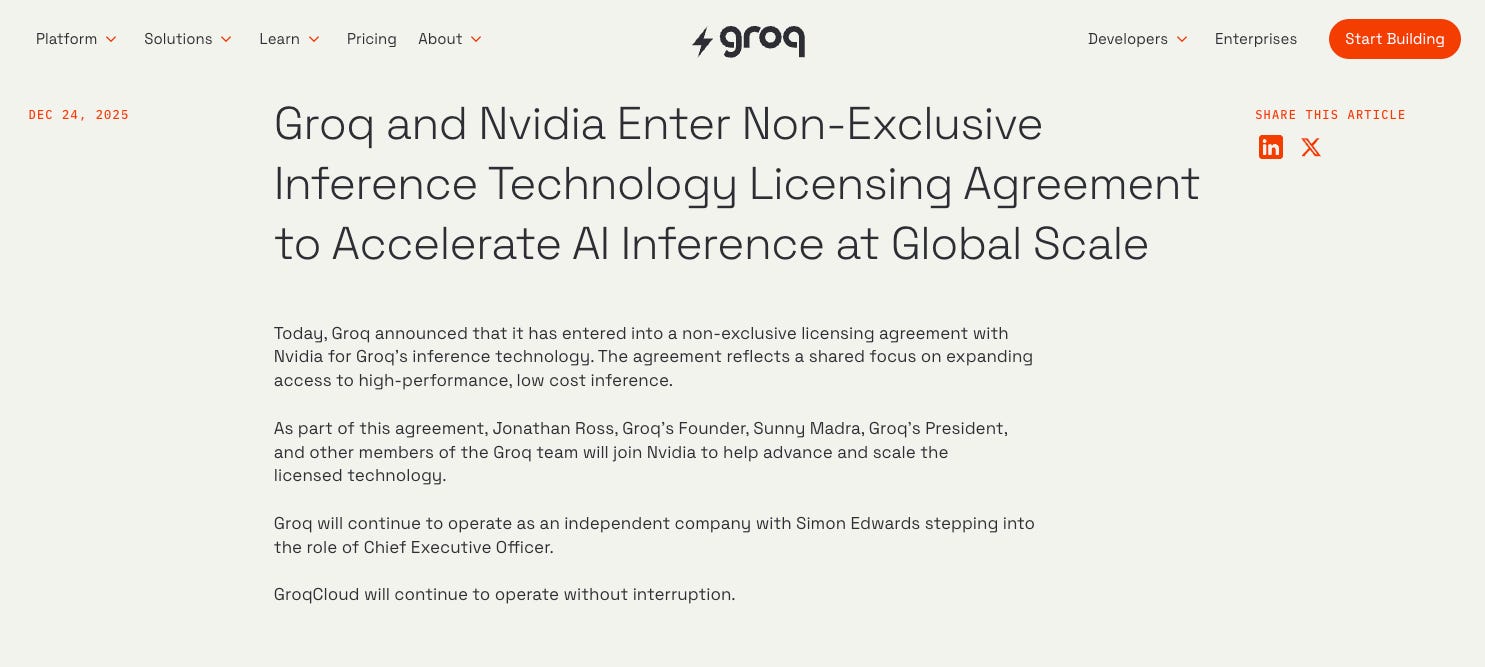
Here’s what actually happened: Jonathan Ross, who designed Google’s original TPU chip, founded Groq. Now he’s at Nvidia. So is Groq’s president Sunny Madra. Groq says it’s still “independent” with Simon Edwards stepping in as CEO. GroqCloud keeps running.
This is the new acquisition playbook:
Microsoft did it with Inflection ($650M, hired the team). Amazon did it with Adept. Google did it with Windsurf ($2.4B). The pattern:
1. License the tech
2. Hire the people
3. Keep the corporation alive to run existing products and contracts
4. Avoid regulatory review
Why did Nvidia want this? Groq’s chips use SRAM-based inference. 80 terabytes per second on-chip bandwidth versus roughly 8 TB/s for traditional HBM setups. That’s why Groq felt instant for chatbots and voice apps. As AI shifts from training to inference, Nvidia needs to own low-latency. And with the HBM market totally out of whack, Nvidia wants chips that don’t rely on it.
Why this matters for builders? Training happens once. Inference happens every time you use an AI product. Every ChatGPT response, every agent action, every voice interaction. Nvidia is buying its way into that future. For teams choosing inference providers, the consolidation signals that Groq’s speed advantages may eventually become Nvidia’s.

News
Nvidia announced 6 new chips packaged into its Vera Rubin release. One GPU will pack 5x the power of Blackwell. And Nvidia proved it’s still on top when it comes to high end training chips
Sandisk’s meteoric rise from $5.6B to $40B in 10 months shows AI’s new bottleneck: storage. NAND prices jumped 60% in November alone as hyperscalers frantically secure memory allocations through 2027.
ChatGPT Health launched - dedicated space for health conversations that connects to medical records + Apple Health + Peloton. 40M+ people use ChatGPT daily for health questions (20% of all queries). Waitlist open.
Samsung is expected to announce $11.7B in Q4 operating profit - highest since 2018. AI chip shortage drove DDR5 prices up 314% YoY.
Ford announced two big moves: an AI assistant coming to both their app and vehicles (finally catching up to what Tesla’s been doing for years), plus a next-gen BlueCruise that’s 30% cheaper.
Resources
The modern AI PM in the age of Agents
Consumer AI predictions
How to code with agents without being technical
How Boris Cherny (creator of Claude Code) uses it
New Tools
2-b.ai: Turn any highlight into a task, then let AI plan and finish it - hit #1 on PH
PostSyncer: Publish and respond on 10+ platforms in one click - hit #1 on PH
Lightfield: AI native CRM
Market
xAI closed $20B in Series E funding at $240B valuation - upsized from the rumored $15B. That’s almost 2x what SpaceX has raised across 31 funding rounds ($12B total).
Anthropic reportedly raising $10B at $350B valuation
And now on to today’s deep dive:

How to Use Claude Code Like a Pro
Claude Code sounds like a developer tool.
But it’s really just the best agent harness out there. It can read your files, run commands in the background, and remember your preferences between sessions. It’s a persistent agent that maintains context across an entire project.
With Opus-4.5, many people are calling it AGI.
I use it to organize files, synthesize research, and plan my week. It’s more than a coding agent.
And several key updates over the last few weeks totally change how you can use it.
Here’s what you need to know:
What Anthropic actually shipped
Anthropic spent the break pushing Claude forward into the browser, into Slack threads, into the terminal, onto mobile. The theme is clear: this is the move from the assistant you consult to the agent system you run.

Here’s the full list:
Chrome extension expanded to all paid plans with browser automation and Claude Code integration
Claude Code in Slack lets you delegate coding tasks directly from chat threads
Mobile app for monitoring and initiating tasks on the go
Organizational skills and a skills directory for Team and Enterprise plans
Command line updates including async subagents, faster compaction, session naming, and a plugins marketplace
In addition to Agent Skills as an open standard that works across AI platforms and Agent SDK updates with 1M+ context windows and sandboxing.
Let’s go deep on the top 5.
Feature 1 - Chrome Extension
My favorite launch by far was the chrome extension.
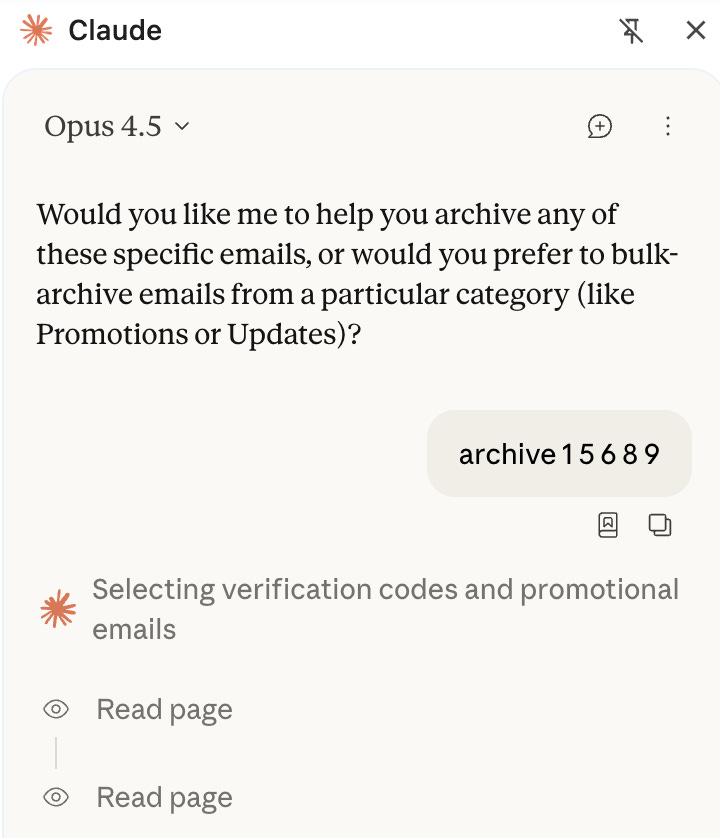
Claude can now navigate pages, click buttons, fill forms, read console logs, monitor network requests, and record GIFs of browser interactions.
The integration works with any site you’re already logged into. Google Docs, Gmail, Notion, your CRM. Claude Code accesses them through your existing browser session without needing API connectors.
This still isn’t as good as a hardened no-code workflow because Opus is expensive, but Sonnet and Haiku make mistakes.
I also love the Claude Code integration:
Run claude --chrome and the connection is live. Build in your terminal, test in your browser, debug client-side issues, and automate repetitive tasks. This enables workflows like:
Build a UI from a Figma mock, then have Claude open it in the browser and verify it matches
Read console errors and DOM state directly, then fix the code that caused them
Scrape documentation from a website, analyze it, generate code based on what you learned, and commit the result
Key functions:
Live debugging: Claude reads console errors and DOM state directly
Design verification: Build a UI, have Claude verify it matches mocks
Multi-tab workflows: Chain browser actions with terminal commands
Form automation: Fill out forms, manage calendars, draft emails
Safety note: Browser agents face unique risks like prompt injection. Do not use the agent with financial transactions and sensitive data.
Feature 2 - Slack Integration
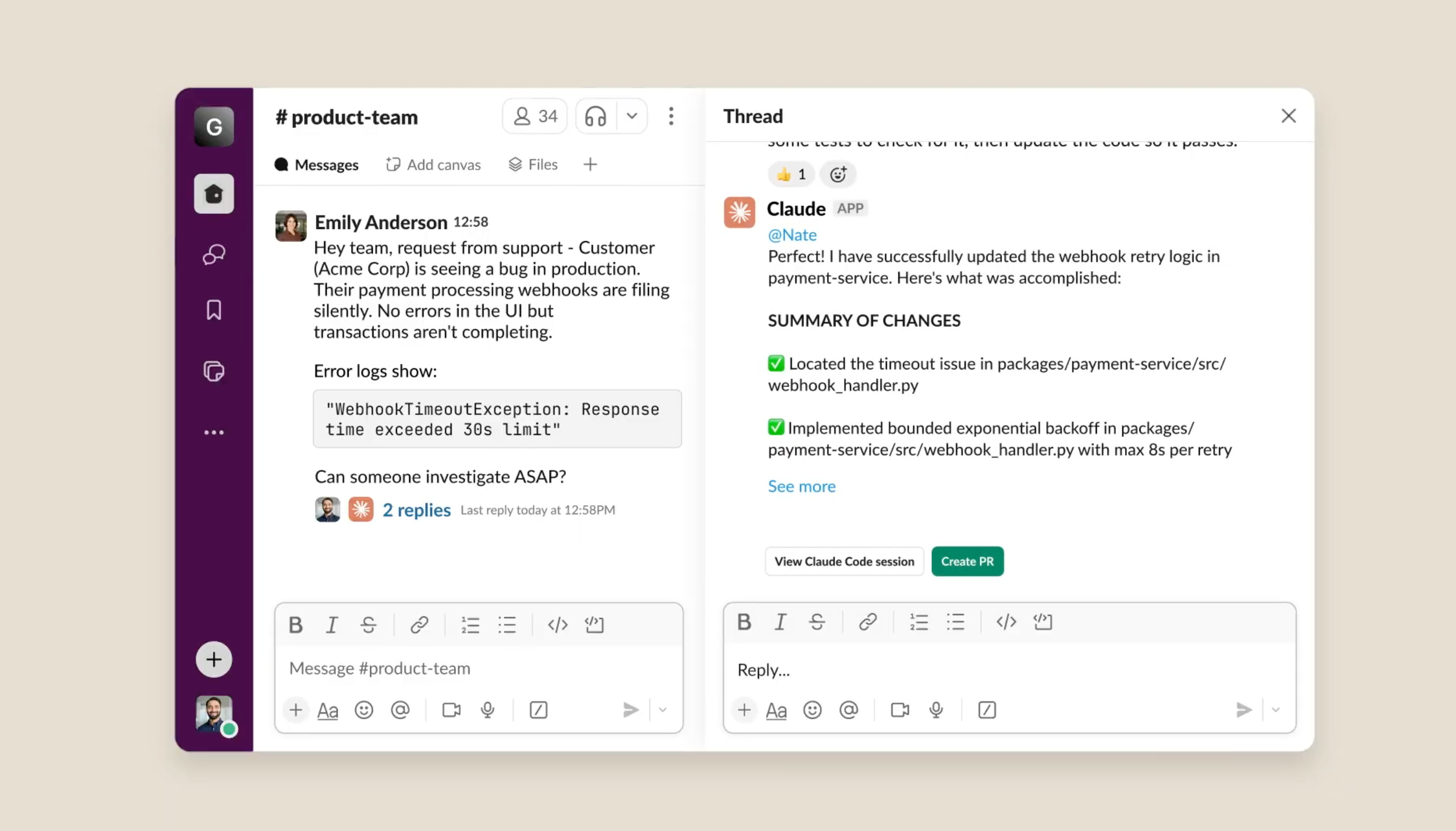
Critical engineering context lives in Slack. Bug reports, feature requests, user complaints. When something breaks, the discussion happens in a channel. Then someone has to extract that context, switch to an IDE, and start working.
Now you can tag @Claude with a coding task and it spins up a Claude Code session automatically using the surrounding context.
You’ll need these permissions to get set up:
Claude app installed in your Slack workspace
Pro, Max, Team, or Enterprise plan with Claude Code access
Claude Code enabled in your organization’s admin settings
Best practices:
Be specific: Include file names, function names, or error messages
Provide context: Mention the repository if it’s not clear
Define success: Should Claude write tests? Update docs? Create a PR?
Use threads: Reply in threads so Claude can gather the full context
Feature 3 - Mobile
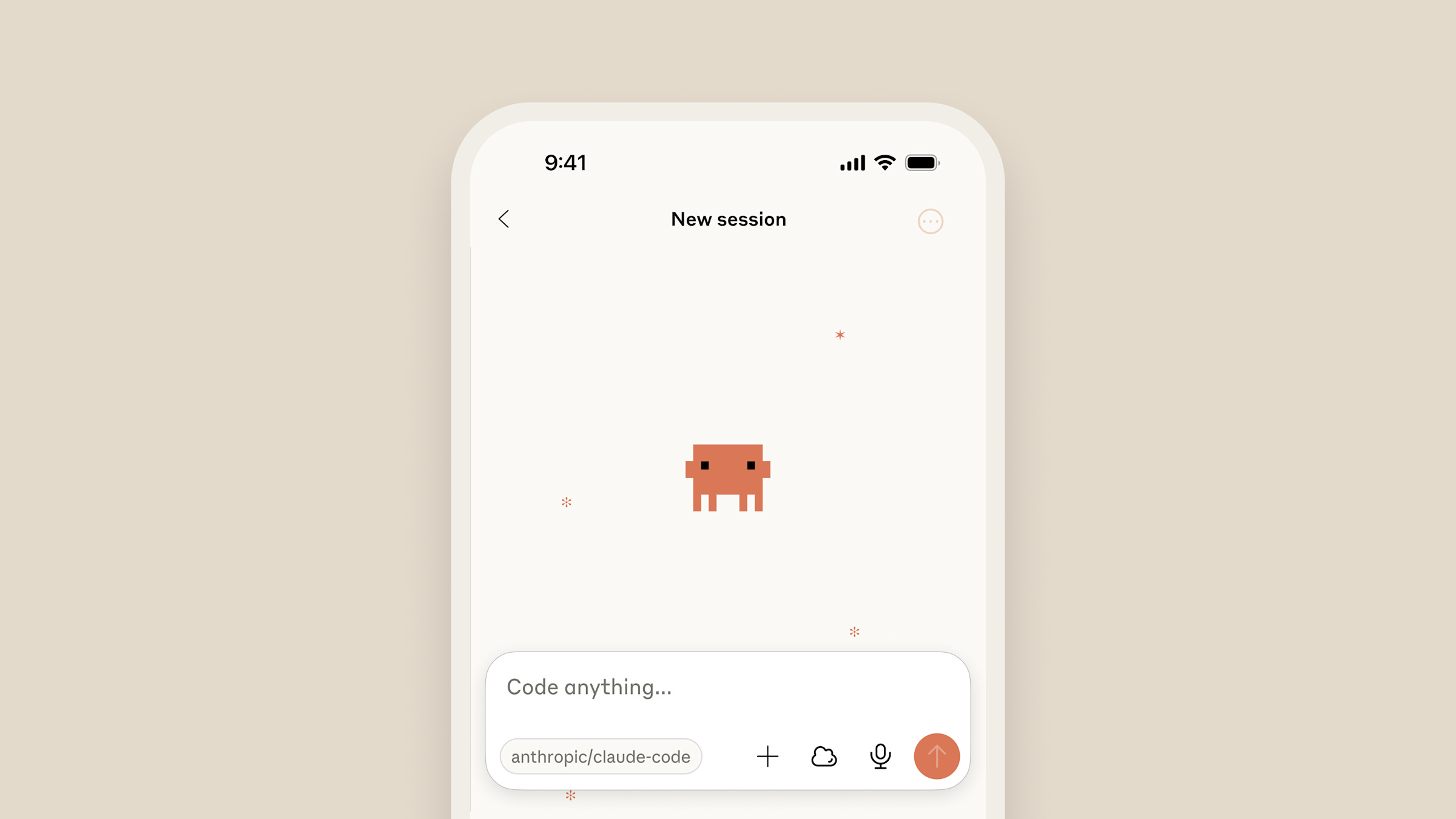
Claude Code can be used through the Claude iOS app (cannot be used through the Claude Android app yet. The workaround is to use Claude Code on the web through your browser at claude.ai/code).
You can:
Start a Claude Code session on your phone
Monitor progress of running tasks
Continue conversations with Claude about ongoing work
Sync back to your main session when you return to your computer
The reality check:
From testing, the mobile experience is still early. You can begin tasks on mobile, they run in a virtual machine with your codebase, and you can keep chatting. But you can’t kick off a task on your laptop and transition it to the cloud seamlessly yet. The mobile app also lacks features like inline code diffs.
Feature 4 - Organizational Skills
In October, Anthropic introduced Skills. In December, they made them enterprise-ready. This adds:
Org-wide management: Team and Enterprise admins can now provision skills centrally
Skills directory: Browse partner-built skills from Notion, Canva, Figma, Atlassian, and others
Open standard: Agent Skills work across AI platforms, not just Claude
The open standard is the bigger deal. Like MCP, Anthropic is betting that ecosystem growth beats proprietary lock-in. OpenAI has already adopted the same format for Codex CLI and ChatGPT.
How to use skills effectively:
Skills are reusable instruction manuals that teach Claude how to do specific tasks. Instead of repeating yourself, you create a "manual" once and reuse it whenever you need. (I shared 6 of my skills in AI Update #2.)
Create your first skill:
Run /init to create your CLAUDE.md file
Add your preferences, standards, and “never do this” rules
Every mistake Claude makes is a rule waiting to be added
There’s also a bunch of partner skills available, which I highly recommend:
Notion, Canva, Figma, Atlassian, Cloudflare, Stripe, Zapier
Create tasks in Jira and Trello
Apply brand style guidelines to Figma designs
Combine with Zapier MCP for automation across thousands of apps
Feature 5 - Command Line Updates
A couple cook CLI updates I’m using -
Context forking:
Add one line to any skill and it runs in a separate context window:
context_fork: trueThe skill runs in a subagent with its own token budget. Only the summary comes back to your main session. Token count barely moves.
@bash subagent:
Type @bash followed by what you want to run. Claude spins up a specialized agent just for terminal commands. Build commands, dependency installation, file processing. All the messy terminal stuff happens in isolation.
Skills hot reload:
Edit a skill, save it, keep working. No more restarting Claude Code to pick up changes.
Subagent hooks:
Each subagent can have its own hooks. A deploy agent enforces deploy rules. A research agent can be blocked from writing files. A test runner captures failures and surfaces them.
Agents running agents:
You can create a specialized subagent with its own system prompt and tools. Then configure skills to specify which agent should run them:
context_fork: true
agent: macos-log-analyzer
Claude Code first spins up the specified subagent. Then inside that subagent, it triggers the skill.
So how am I using all these features?
Workflows I’ve set up
Here’s some of the workflows I’ve set up with all these new features…
1/ Research synthesis
I drop files into a /research folder. Articles, screenshots, notes, whatever. Then I run this prompt:
Look at everything in /research. I need to decide [decision].

Give me:
- Summary of options (2-3 sentences each)
- Key tradeoffs in a table
- Your recommendation with reasoning
- What would need to be true for each option to win
Add context_fork: true to run it in isolation if you’re processing a lot of files.
2/ Competitive briefs
I added this to my CLAUDE.md so every analysis follows the same structure:
Competitive Analysis Format

1. What they do (one paragraph)
2. Who they serve
3. How they price
4. Key features (table)
5. Strengths
6. Weaknesses
7. What we should steal
Then I just say “analyze [Company]” and get something I can compare to previous briefs.
3/ Personal OS
I’ve been using this Personal OS repo as a starting point for task management and weekly planning. Clone it locally, open Claude Code in that folder, and ask “how do I get started here?”
It handles brain dumps, themed days, delegation lists, and calendar blocks. I run it Sunday evenings to build my week.
4/ PRD gap analysis
This checklist lives in my CLAUDE.md:
PRD Review Checklist

Flag if missing:
- Problem statement with evidence
- Specific target user
- Measurable success criteria
- Explicit scope (in/out)
- Edge cases
- Assumptions that might be wrong
- Dependencies
- Rollout plan
- Kill criteria
Based on my PRD philosophy. I run it on my own PRDs and say “review this against my checklist, be specific about gaps.”
5/ Weekly planning
A founder shared this prompt on X for turning a Sunday brain dump into a structured week. Save it as a slash command. Do the onboarding once. Then every Sunday, dump everything on your mind and let it build your week.
I have an upcoming advanced Claude Code podcast on Monday that will go further.
Finally, onto insights from a webinar I did:

PM Fireside Chat
I sat down with Aishwarya for a chat on early career PM growth.
Three things stood out:
1/ Build credibility before vision
Early career PMs read Marty Cagan and think they need to create the one-year strategy on day one. Wrong move.
Your first job is showing your team you’re reliable. Be the glue. Do whatever it takes. The vision stuff comes after you’ve earned the right to shape it. Month four or five, start shifting direction in ways the team agrees to.
Then go on an evangelism tour. Meet every product leader. Build relationships so they give you feedback directly instead of dropping it in your performance review.
2/ Startup vs big company: know your tradeoffs
Three dimensions matter: pay, learning, scope.
Big companies win on pay. Not just the initial offer but the equity appreciation over three or four years.
Startups win on learning. You get exposed to more parts of the business, you flex outside your role, you move faster.
Scope inverts with company size. At a 100-person startup you own the whole product. At Microsoft you might own the login sequence of Skype.
My take: optimize for learning early in your career, optimize for earning later. Before kids, expenses are low. That’s when to bet on startups.
3/ Don’t force frameworks on your team
Common failure pattern: you read about continuous discovery, get excited, try to shift your team overnight. They resist. You abandon it.
The frameworks are well-intentioned. The problem is execution speed. Move incrementally. If your team does half-year planning, integrate discovery within that process first.
And find a mastermind group. WhatsApp with PM friends who can give you real-time feedback. We analyze other people’s situations better than our own.
That’s all for today. See you next week,
Aakash
P.S. You can pick and choose to only receive the AI update, or only receive Product Growth emails, or podcast emails here.